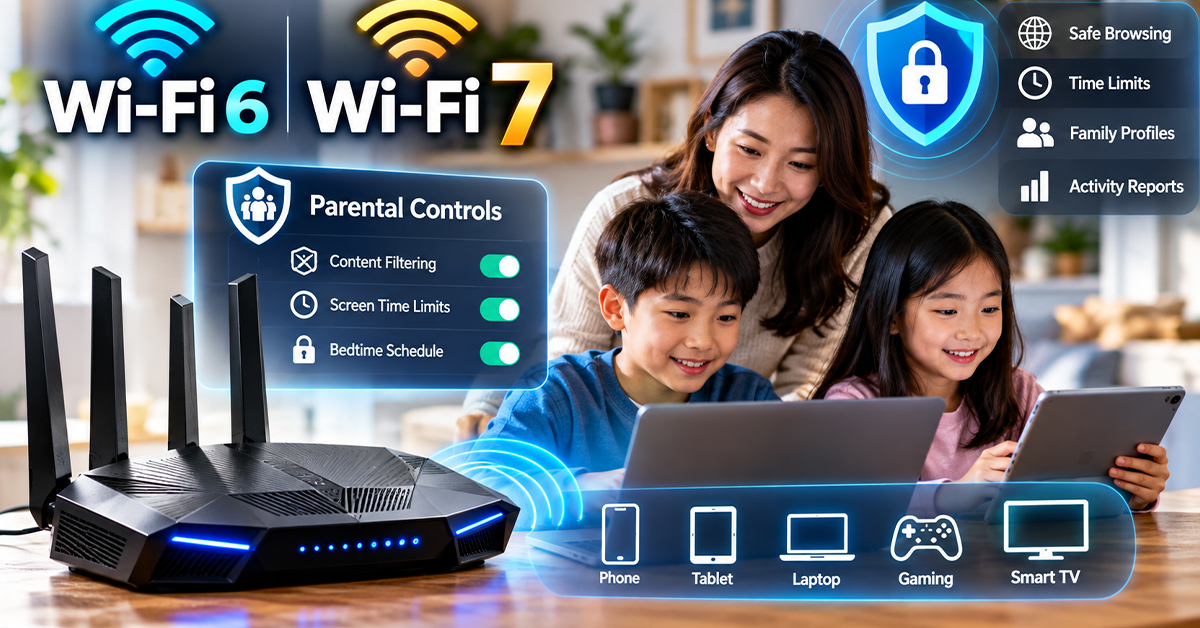

Parents choosing a home Wi-Fi router must consider more than internet speed. Content filtering, screen-time schedules, and ongoing software fees can all affect which equipment makes sense for a family.
Modern Wi-Fi parental control routers manage internet access through a central network gateway. Some include security features without recurring fees, while others charge for advanced controls. Wi-Fi 7 and mesh networking add further options for homes with faster internet plans or coverage problems.
How Router Parental Controls Protect Connected Devices
Parental control apps typically operate on individual devices. Router-level controls instead manage traffic passing through the home’s internet gateway, allowing parents to apply restrictions across multiple connected devices.
Many systems support family profiles, age-based content filters, internet schedules, and bedtime settings. A parent can assign a child’s phone, tablet, computer, or gaming console to a profile rather than configuring every restriction separately.
This central approach can make household management easier. However, it is not foolproof. Restrictions generally apply to traffic passing through the managed router. Mobile data, another Wi-Fi network, and some VPN configurations may bypass certain rules.
Router administration access must also remain protected. Network-level filtering is a useful additional safeguard, not a guarantee that children cannot access restricted content.
Free Controls vs. Paid Subscription Features
A router’s purchase price does not tell the whole story. Some manufacturers include parental controls without recurring fees, while others reserve certain features for paid plans.
| Platform | Included features | Paid features |
|---|---|---|
| ASUS AiProtection | Lifetime parental controls and security, according to the brief | No recurring fee for the described suite |
| TP-Link HomeCare | Profile presets and time limits | Not specified in the brief |
| TP-Link HomeShield | Features vary by model | Advanced time management and network antivirus on newer models |
| Gryphon AX | Safe Search, Safe YouTube, ad blocking | App limits and out-of-home protection at the stated premium rate |
The research lists Gryphon’s premium plan at $7.50 per month, billed annually. At that rate, three years would cost $270, excluding applicable taxes or changes in pricing.
ASUS AiProtection’s described lifetime features do not carry a recurring software fee. However, feature availability should be checked against the exact router model and current terms.
HomeShield’s complete pricing and subscription tiers are not provided in the research. Parents should confirm which features are included before buying.
Out-of-home protection is another important distinction. A router’s home-network restrictions do not automatically provide equivalent coverage when a child switches to mobile data or another network.
Wi-Fi 6 vs. Wi-Fi 7: Which Features Matter?
Wi-Fi 6 remains a practical option for many households, particularly those with moderate internet plans and no need for newer wireless features.
Wi-Fi 7 adds support for the 6 GHz band, Multi-Link Operation (MLO), and 4096-QAM. MLO allows compatible devices to use multiple wireless links, potentially improving latency and connection reliability. 4096-QAM increases data efficiency under suitable signal conditions.
These capabilities require compatible equipment. A Wi-Fi 7 router alone does not make an older phone or laptop support Wi-Fi 7.
For fiber plans above 1 Gbps, check the router’s Ethernet ports. A 2.5 Gbps or 10 Gbps WAN port can support a faster incoming connection than a conventional 1 Gbps port, provided the modem or optical terminal and other network equipment are also compatible.
Multi-gigabit LAN ports can benefit wired computers and network storage. However, a faster port does not increase the speed supplied by an internet plan.
Real-World Wi-Fi Speed and Home Coverage
Advertised wireless ratings often combine theoretical capabilities across bands and streams. They should not be treated as the download speed a single device will receive.
The research brief reports the following throughput measurements at three distances:
| Router | 2 feet | 40 feet | 120 feet |
|---|---|---|---|
| ASUS ROG Rapture GT-AX11000 | 848 Mbps | 642 Mbps | 260 Mbps |
| TP-Link Archer AX20 | 809 Mbps | 470 Mbps | 244 Mbps |
| TP-Link Archer AX11000 | 860 Mbps | 692 Mbps | 282 Mbps |
| Gryphon AX | 855 Mbps | 469 Mbps | 146 Mbps |
These reported results show substantial throughput reductions at longer distances. For example, the ASUS GT-AX11000’s measured throughput fell from 848 Mbps at two feet to 260 Mbps at 120 feet.
The figures are specific to the reported tests. Without the full testing methodology, they should not be treated as guaranteed household speeds or a definitive ranking of router performance.
For larger homes, mesh networking may be more practical than relying on a single router. A mesh system uses a main router and additional nodes to extend coverage across rooms and floors.
The TP-Link Deco S4 two-pack is listed with 3,800 square feet of coverage, while the Deco X55 is listed with 6,500 square feet. These are manufacturer coverage claims. Actual coverage and performance depend on building layout, walls, interference, and node placement.
Choosing the Right Router for Your Home
Start with your internet plan, home layout, connected devices, and required parental control features.
A budget Wi-Fi 6 router may be sufficient for a smaller home with a moderate connection. Wi-Fi 7 is worth considering when compatible devices, multi-gigabit networking, or newer wireless capabilities matter.
For larger homes with weak signals, compare mesh options and the cost of additional nodes. Before purchasing, confirm subscription requirements, Ethernet port speeds, device compatibility, and whether parental controls work outside the home.
What Readers Should Know
Router-level parental controls simplify household management but cannot guarantee restrictions on other networks. Free software features can reduce long-term costs, while paid plans may be necessary for specific app limits or out-of-home protection.
Wi-Fi 7 offers newer wireless capabilities, but compatibility, coverage, and actual speeds depend on the complete network. Choose equipment based on your family’s needs rather than advertised maximum speeds alone.